Planning a home theater: screen, seating and sound
A great theater starts with the room, not the equipment. These are the decisions we walk through with every client before choosing a single speaker.
Six decisions to make first
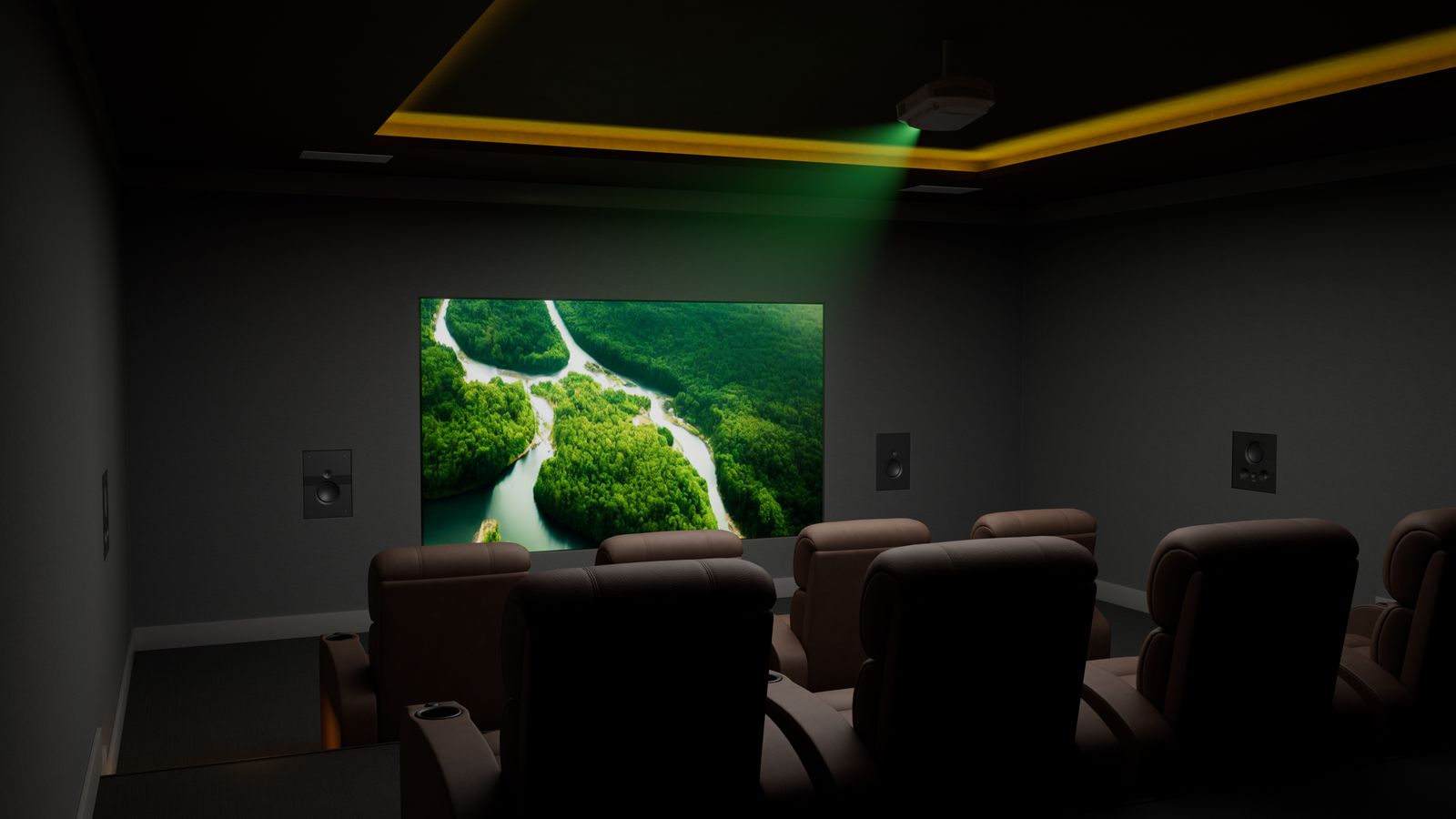
Dedicated theater or media room? A dedicated room gives you control over light and sound. A family media room trades some of that for everyday use.
Light control. Windows are the enemy of a bright picture. Plan blackout shades or a room with few windows.
Screen size and seating distance. Screen size should match how far back the seats are. We plan both together so every seat has a good view.
Seating rows. A second row usually needs a riser so those viewers can see over the first.
Speakers and sound. Surround sound uses speakers around and above the seats. In-wall and in-ceiling speakers keep the room clean, and acoustic treatment keeps it from sounding hollow.
One-button control. With Control4, one button can dim the lights, lower the shades and start the movie.
Try before you decide. Sit in a working theater at our Certified Control4 Showroom in Englewood before planning your own.
Talk it through with our team
Call or text (941) 263-4476, or book a visit to our Certified Control4 Showroom at 4318 N Access Rd, Englewood. PC Systems has designed, installed and supported smart homes across Southwest Florida since 2006.
Common questions
How big a screen should I get?
It depends on how far the seats are from the screen. We plan screen size and seating distance together during design.
Can I see a theater before I buy?
Yes. Our Certified Control4 Showroom in Englewood has a working setup. Call (941) 263-4476 to book a visit.